How to Install a Mobile Starter for Your Water Pump – Step-by-Step Guide
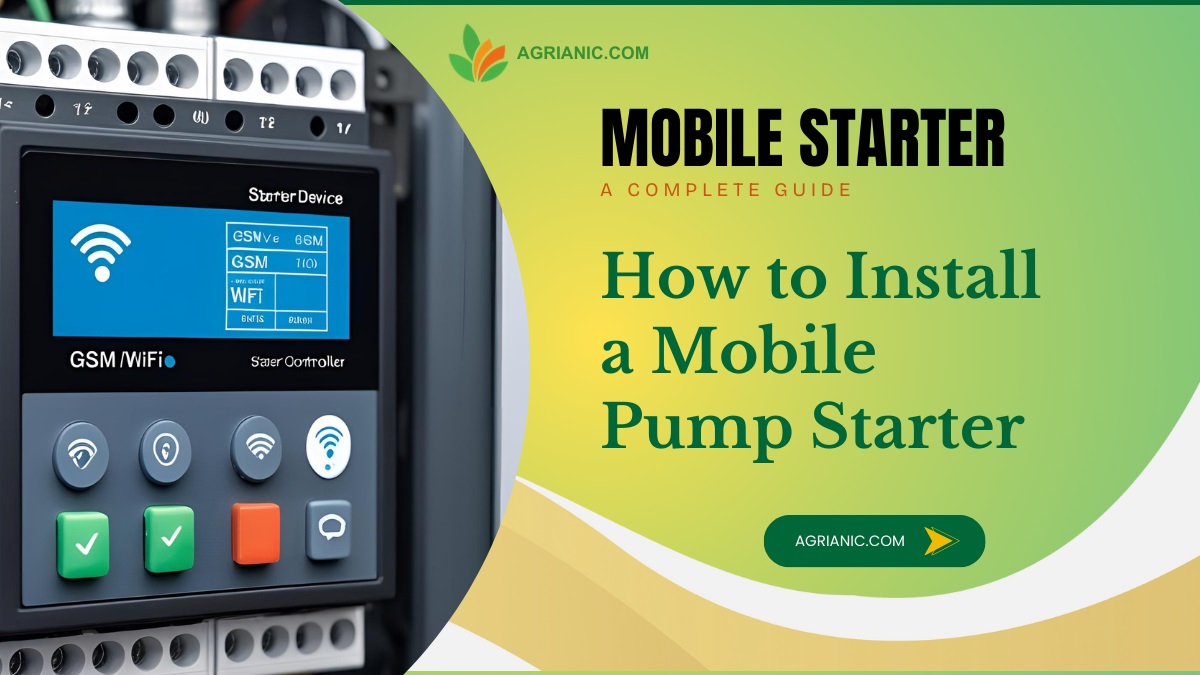
Mobile starters (also called GSM pump controllers) allow you to start, stop, and monitor your water pump remotely using your mobile phone. Whether you’re irrigating fields or managing water supply in a remote location, a mobile starter can save time, reduce travel, and improve efficiency.
In this guide, we’ll walk you through how to install a mobile starter for your water pump, covering both single-phase and three-phase setups, along with GSM controller setup.
What You’ll Need
Before starting, gather the following tools and equipment:
- Mobile starter unit (GSM-based)
- Screwdrivers (flathead and Phillips)
- Wire stripper and cutter
- Electrical tape
- Multimeter
- Cable ties
- Mounting screws and a drill
- User manual for your specific GSM starter
- Safety gloves and insulated pliers
Safety First
Always switch off the main power supply before installation. If you’re not confident in handling electrical wiring, hire a certified electrician.
Step 1: Understanding How a Mobile Starter Works
A mobile starter is essentially a motor starter with a GSM controller integrated inside. The GSM unit receives commands from your phone (via SMS, app, or missed call) and operates a relay that controls the pump.
Basic components:
- GSM Controller Module – receives mobile commands.
- Contactor & Overload Relay – starts/stops the pump and protects the motor.
- Power Supply Input – connects to the mains power.
- Output Terminals – connect to the pump motor.
Step 2: Single-Phase Mobile Starter Installation
Wiring Diagram
For the wiring diagram, please check the user manual sent with the device or contact the company. Single-phase and three-phase mobile starters have different wiring.
Connections:
- Main Power Input – Connect the Live (L) and Neutral (N) from the supply to the starter’s input terminals.
- Pump Output – Connect Live and Neutral from the starter’s output to the pump motor.
- GSM Controller Power – Connect as per the manufacturer’s instructions (usually 230V AC).
- Antenna – Mount in an open area for better signal reception.
Step-by-Step:
- Turn off the main breaker.
- Mount the mobile starter unit on a wall near the pump or control room.
- Connect mains power input wires to the IN terminals.
- Connect the pump motor wires to the OUT terminals.
- Connect the GSM module to power and insert a SIM card with active service.
- Fix the antenna in a position with good network coverage.
- Double-check wiring with a multimeter.
- Switch on the power and test using your mobile phone.
Step 3: Three-Phase Mobile Starter Installation
Connections:
- Main Power Input – Connect R (Red), Y (Yellow), B (Blue) phases and Neutral to the starter’s input terminals.
- Pump Output – Connect R, Y, B from the starter output to the pump motor terminals.
- Contactor Coil Supply – The GSM controller will usually trigger the contactor coil to start the motor.
- Overload Relay – Wire in series between the contactor output and the pump motor to prevent damage.
- GSM Controller Power – Some units take a single-phase supply; check the manual.
Step-by-Step:
- Switch off the main power supply.
- Mount the mobile starter securely.
- Connect three-phase input wires to the IN terminals.
- Connect the pump motor wires to the OUT terminals via the overload relay.
- Wire the GSM controller’s relay output to control the contactor coil.
- Insert the SIM card and connect the antenna.
- Check wiring thoroughly.
- Restore power and test remote operation via phone.
Step 4: GSM Controller Setup
Common Setup Steps:
- Insert SIM Card – Ensure it has SMS and call balance.
- Power On the Unit – The controller should show signal status (LED or display).
- Configure Admin Number – Send an SMS as per the manual to set your phone number as admin. You wil get instructions in the user manual. Example:
SET ADMIN +911234567890 - Test Commands – Send start/stop SMS or give a missed call to verify.
- Additional Features – Some units allow scheduling, feedback status, or integration with sensors (dry run, water level).
Tips for a Smooth Installation
- Keep wiring neat and secured with cable ties.
- Use proper wire gauges for your motor’s power rating.
- Install surge protection if the pump is in a lightning-prone area.
- Place the antenna where the mobile signal is strongest.
- Always label wires for easy troubleshooting.
Conclusion
Installing a mobile starter for your water pump – whether single-phase or three-phase- is a great way to save time and manage your water supply remotely. With proper GSM controller setup, you can control your pump from anywhere, ensuring efficient operation and quick response to emergencies.
With the right precautions and careful wiring, this installation can be completed in a few hours. If unsure about any step, consult a qualified electrician for safety.
Get Prices from Verified Mobile Starters Sellers Near You
We connect you with trusted and verified sellers near you. Get the best deals, fast and hassle-free!
Popular Products from Verified Sellers
Read Other Posts on Mobile Starters
The Complete Guide to Mobile Starters & GSM Controllers for Farmers
How Dry-Run Protection Works in GSM Starters and Why It Saves Motors
Understanding Three-Phase vs Single-Phase Mobile Starters for Agriculture
Solar-Compatible GSM Starters: Setup & Best Practices for Off-Grid Irrigation
Best GSM Mobile Starters for Farmers in 2025 – Features, Pricing & Reviews
Top GSM Starters Under ₹5000 – Budget Picks That Last
Where to Buy GSM Mobile Starters for Your Water Pump in India
Troubleshooting GSM Mobile Starters: Step-by-Step Guide to Fix Common Problems
Maintenance Guide for GSM Mobile Starters: Keep Your Pump Control System Running Smoothly
GSM vs IoT Mobile Starters: Which Remote Motor Control Technology is Right for You?
Mobile Starters for Agriculture Pumps and Motors: A Complete Guide for Farmers
How GSM Starters Improve Motor Efficiency and Power Savings
Remote Monitoring: What Data GSM Controllers Can Provide to Farmers
The Future of GSM Starters: 4G, 5G, WiFi, and IoT Integration

Importance of GSM Starters in Dairy Farming & Livestock Watering Systems

Benefits of GSM Starters- Is a GSM Starter Worth It for Small Farmers?

Key Features Every Farmer Should Look for in a Mobile Starter
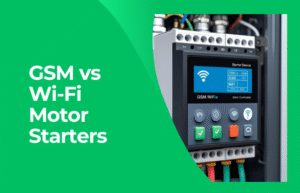
GSM vs Wi-Fi Motor Starters: Which One Should Farmers Choose?
How GSM and IoT Together Are Changing Indian Agriculture
Best SIM Cards & Mobile Networks for GSM Pump Controllers in Rural Area
Remote Pump Automation Without GSM – What Are the Alternatives?

The Role of GSM Controllers in Smart Farming